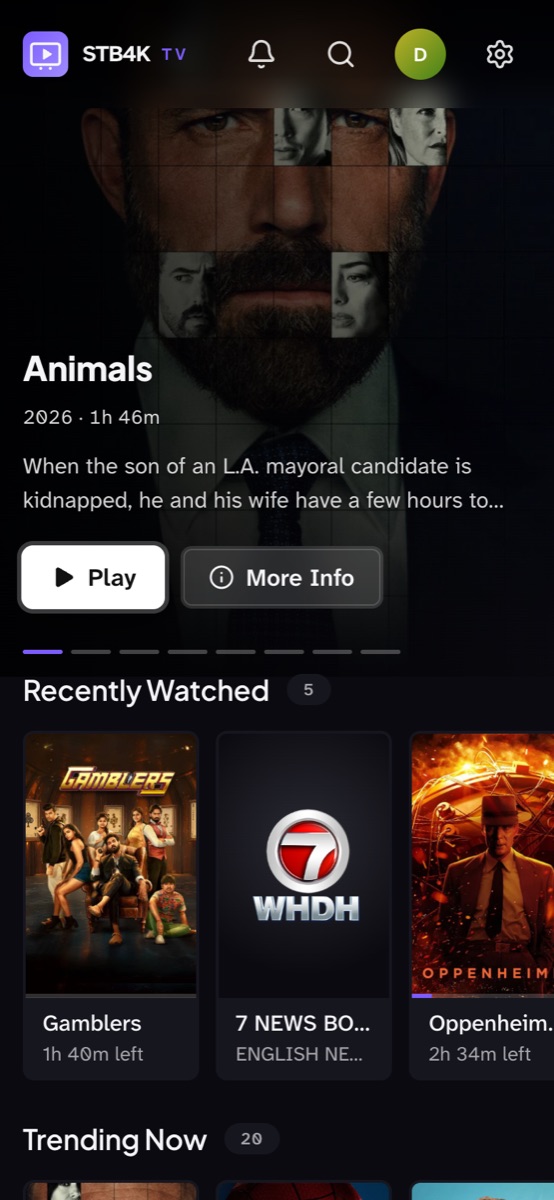
Profiles for everyone
Each person gets their own My List, history and place in every show.
Free IPTV player · No account needed
Bring your Stalker portal or M3U playlist. Get a streaming-app experience on your TV, laptop and phone — a real TV guide, catch-up, trailers, profiles and parental controls. Free.
Live TV
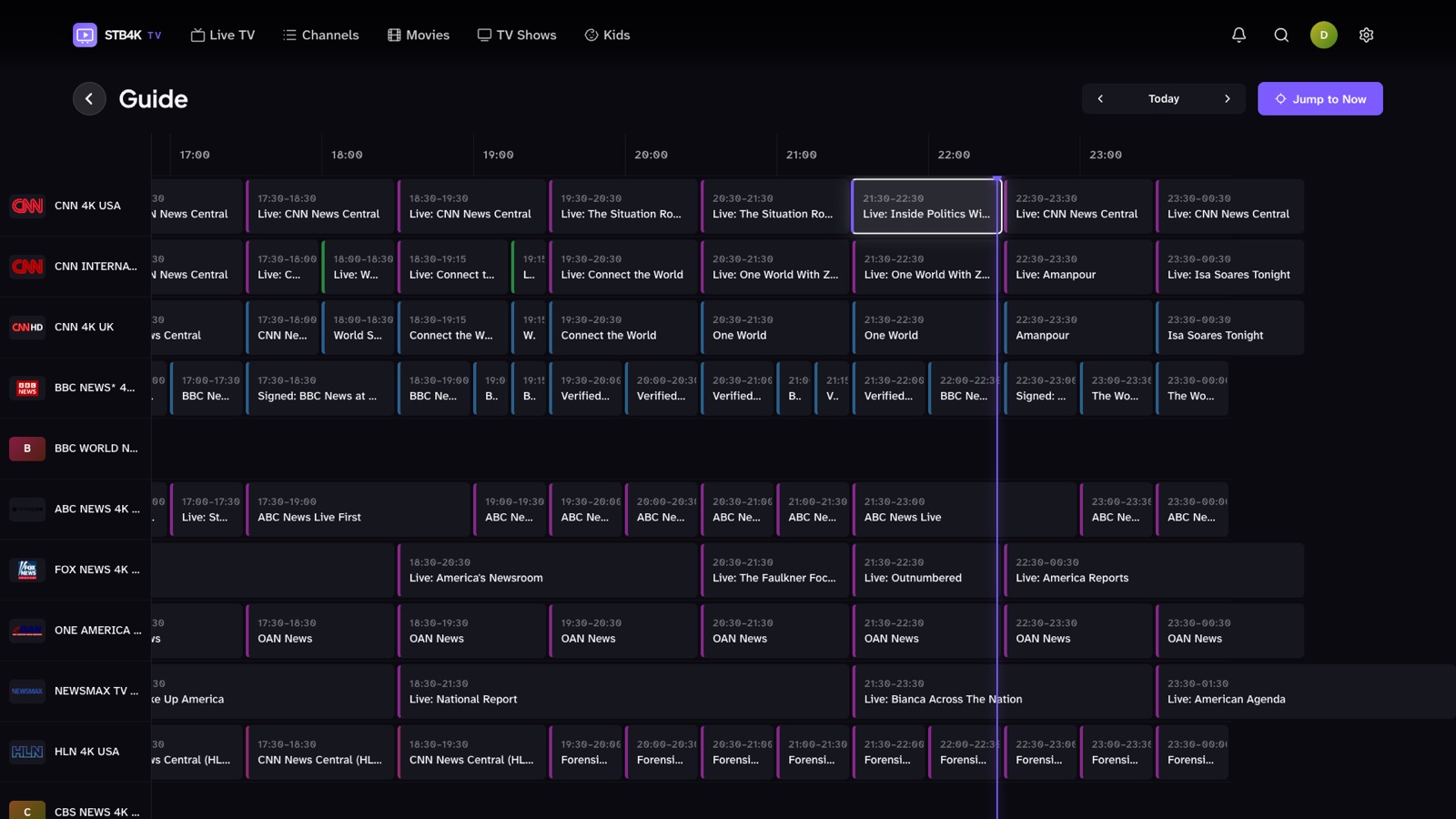
Seven days of programmes for every channel, from your provider's guide or any XMLTV feed. Jump to now, go back with catch-up, or type a channel number on your remote.
Movies & shows
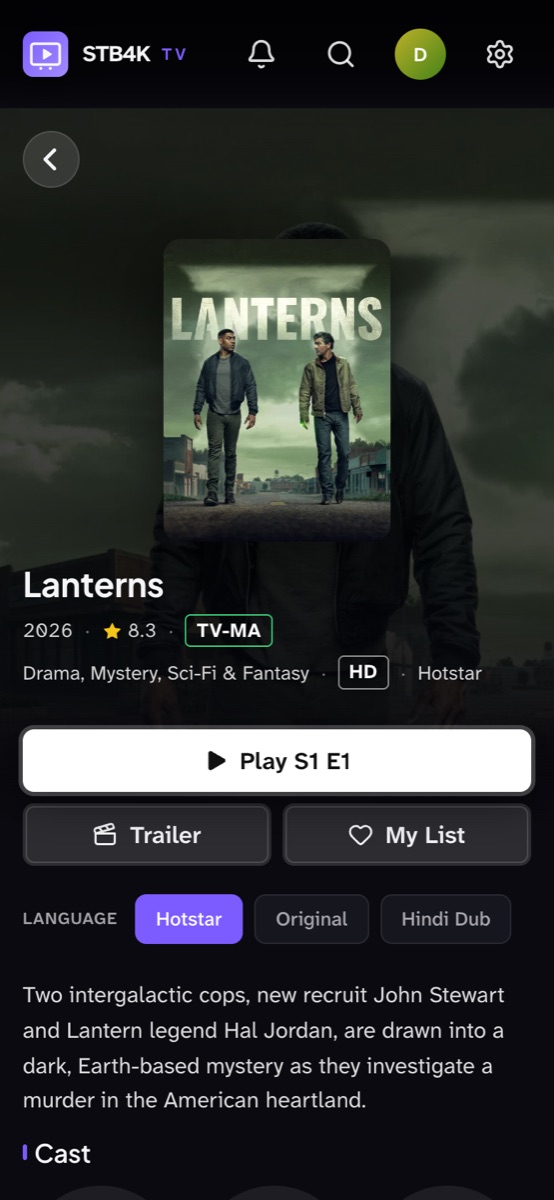
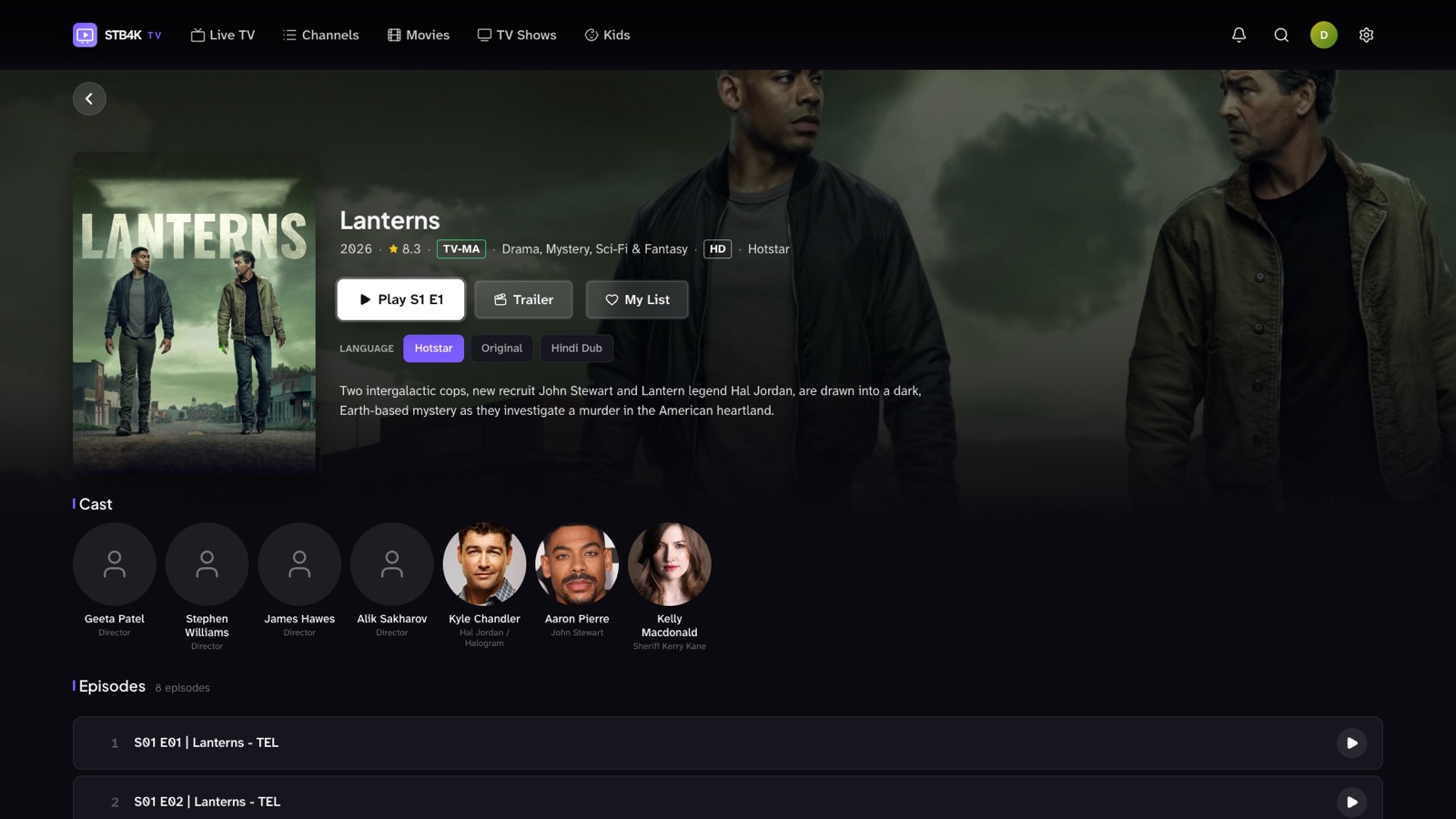
Posters, plots, ratings, cast and official trailers for your provider's movies and series — matched automatically. Pick up exactly where you stopped, in the language you want.
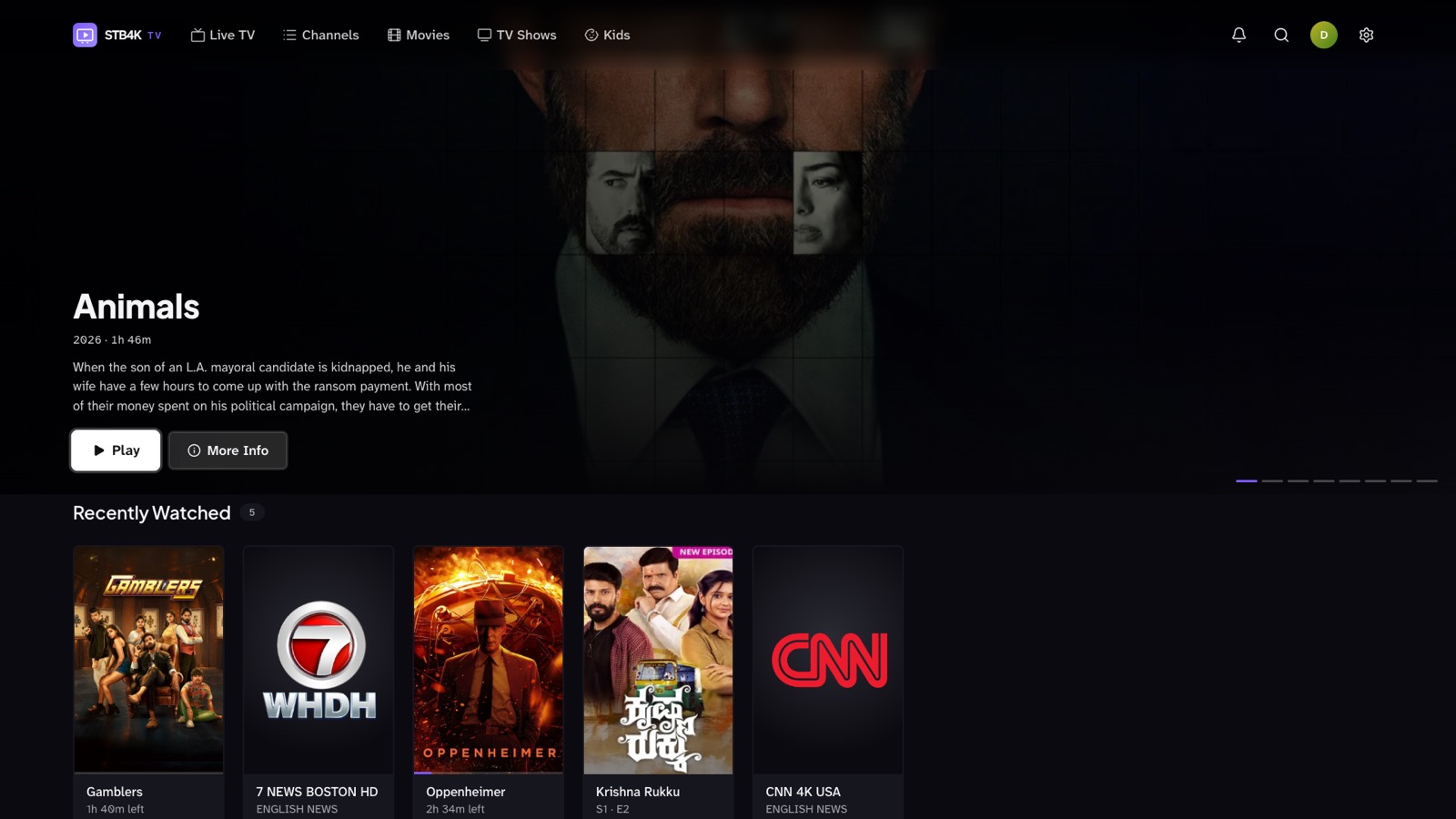
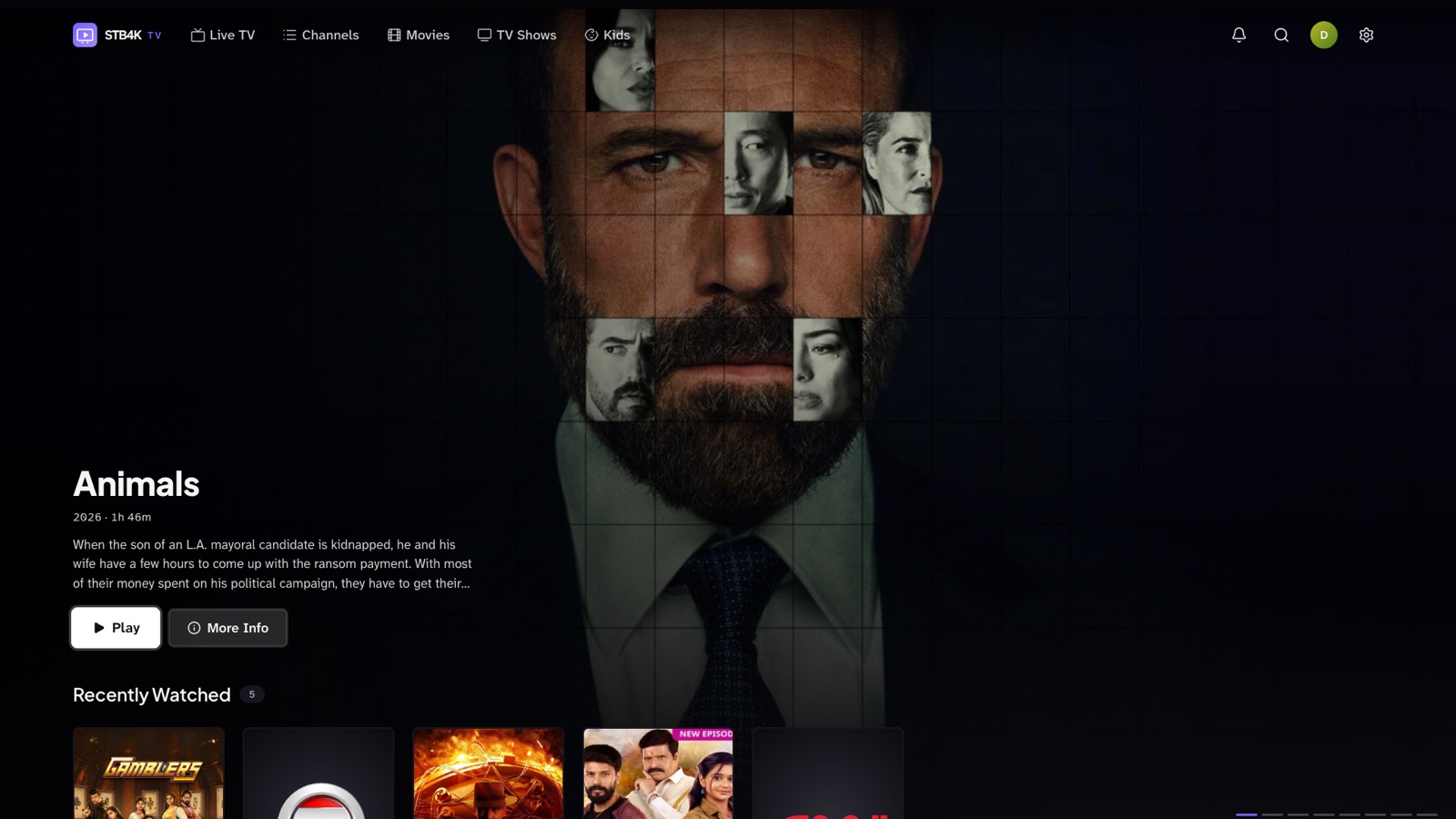
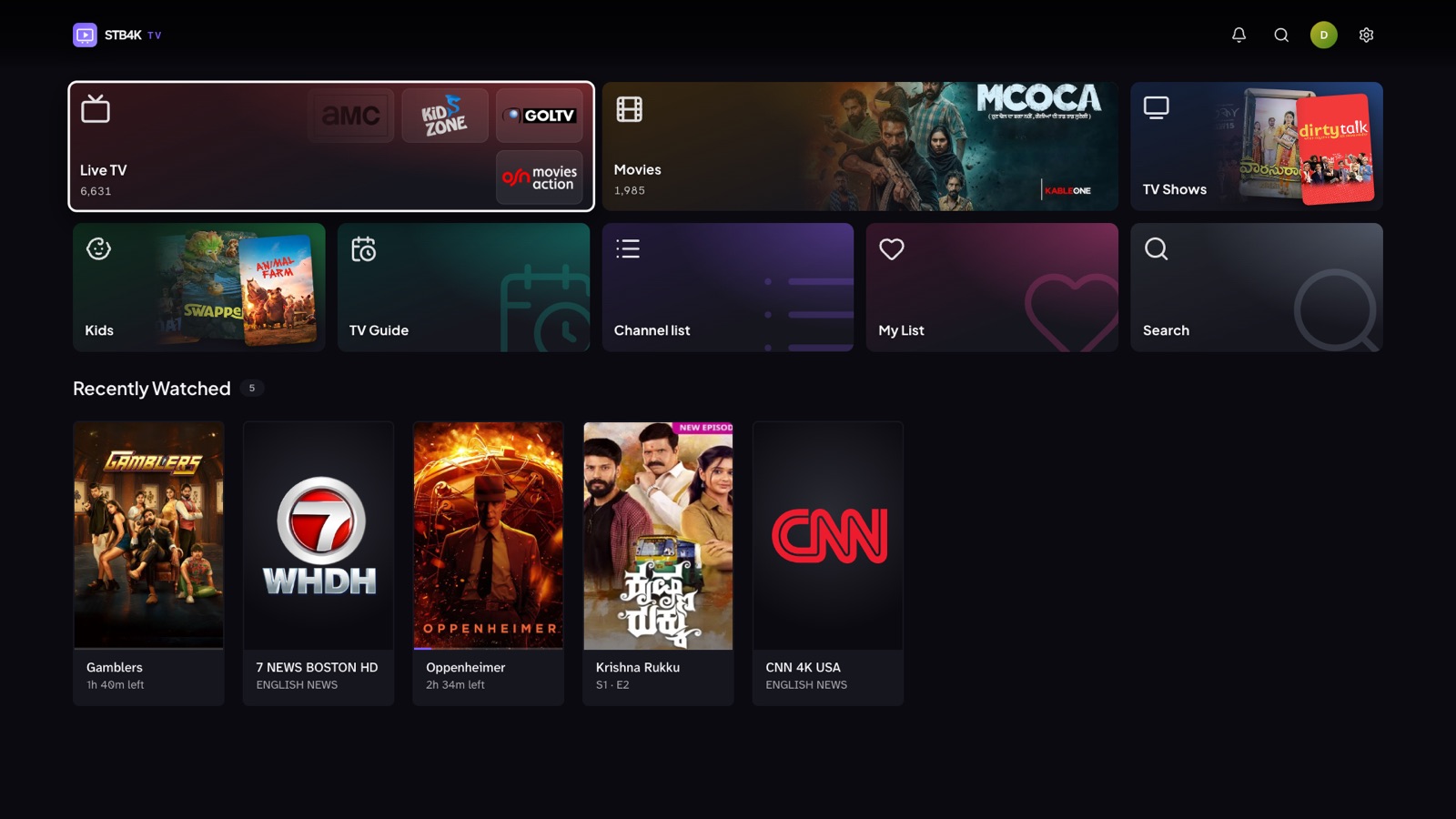
Make it yours
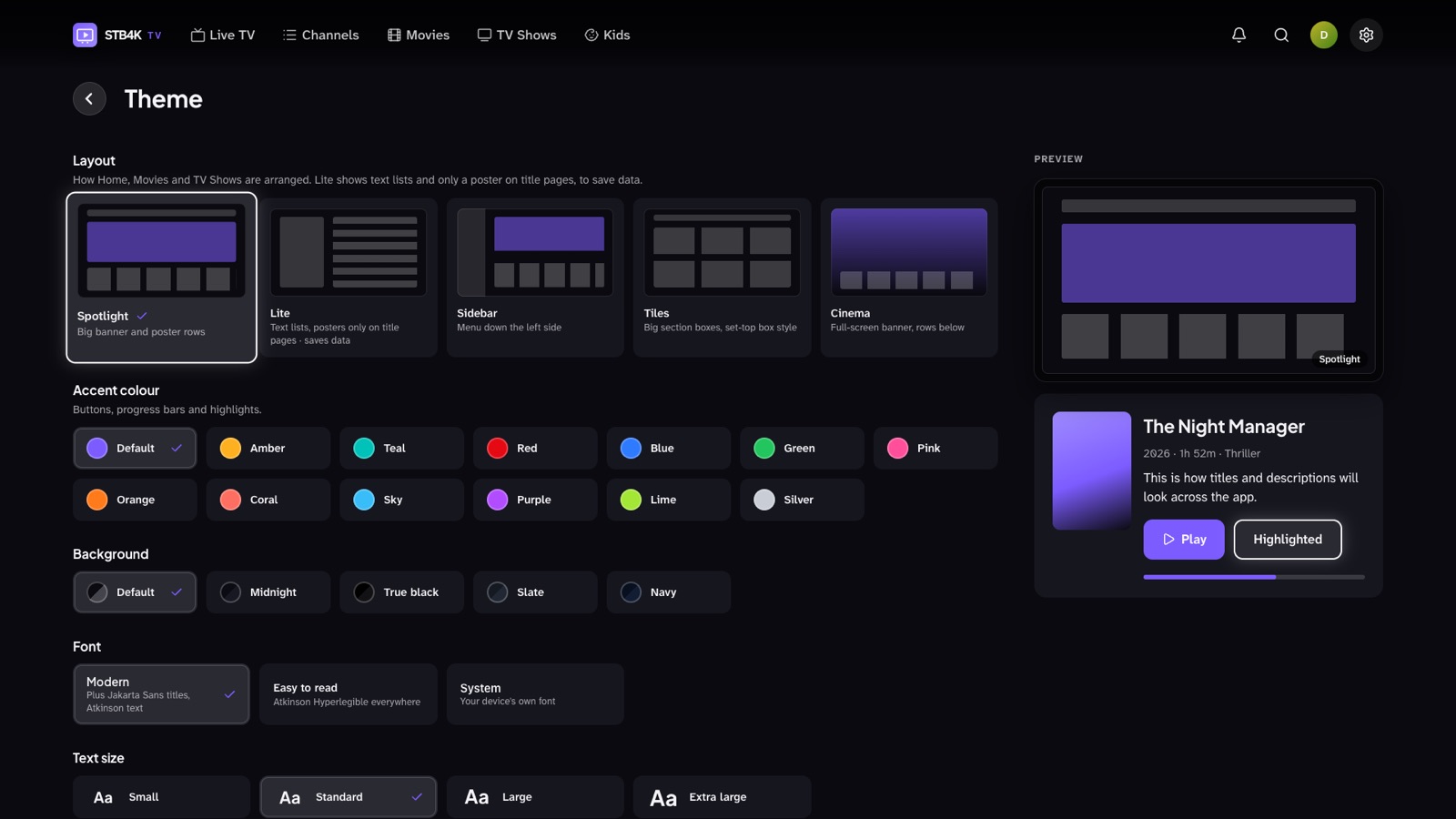
Switch any time in Settings → Theme — along with colours, fonts and text size (below).
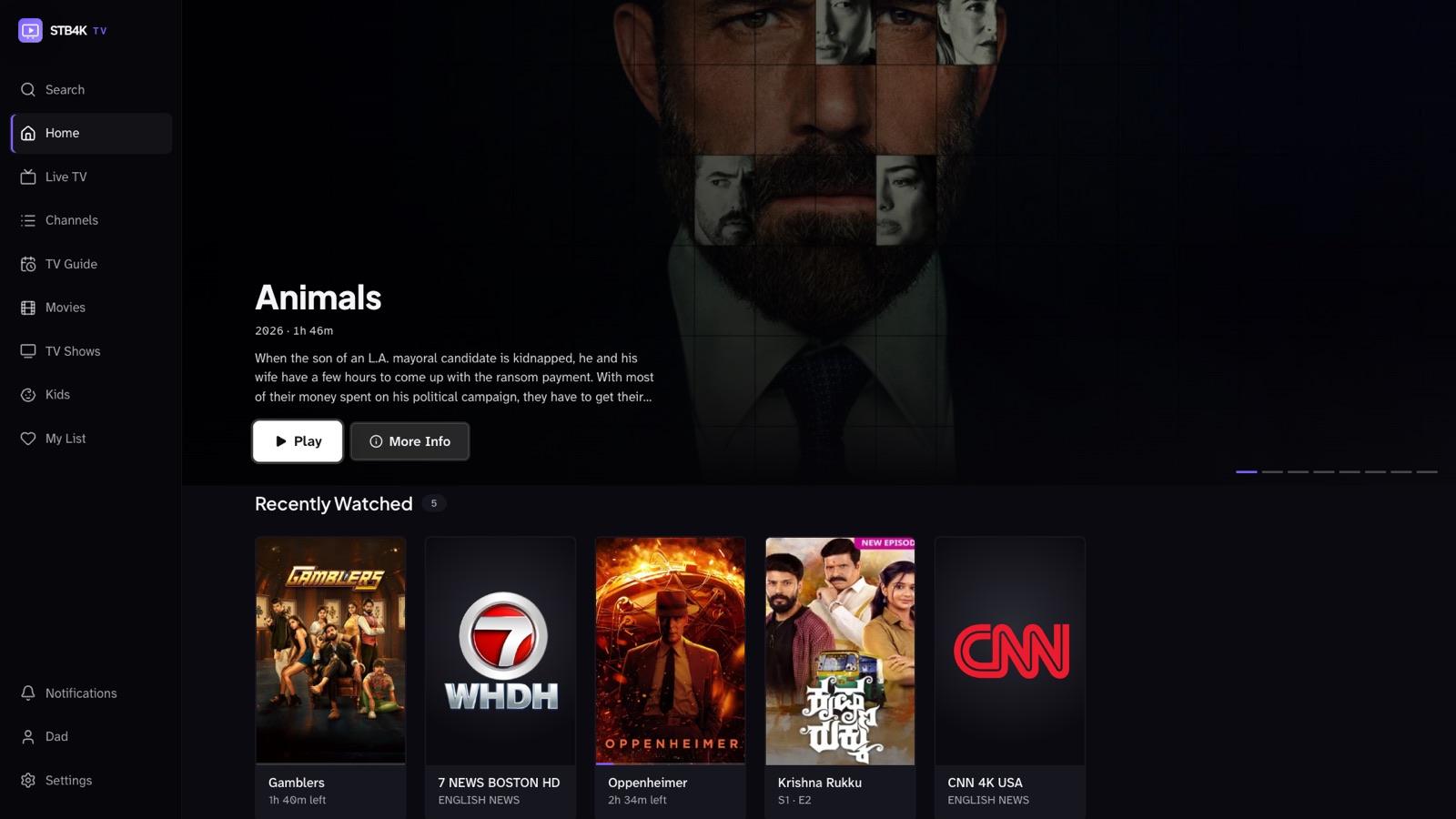
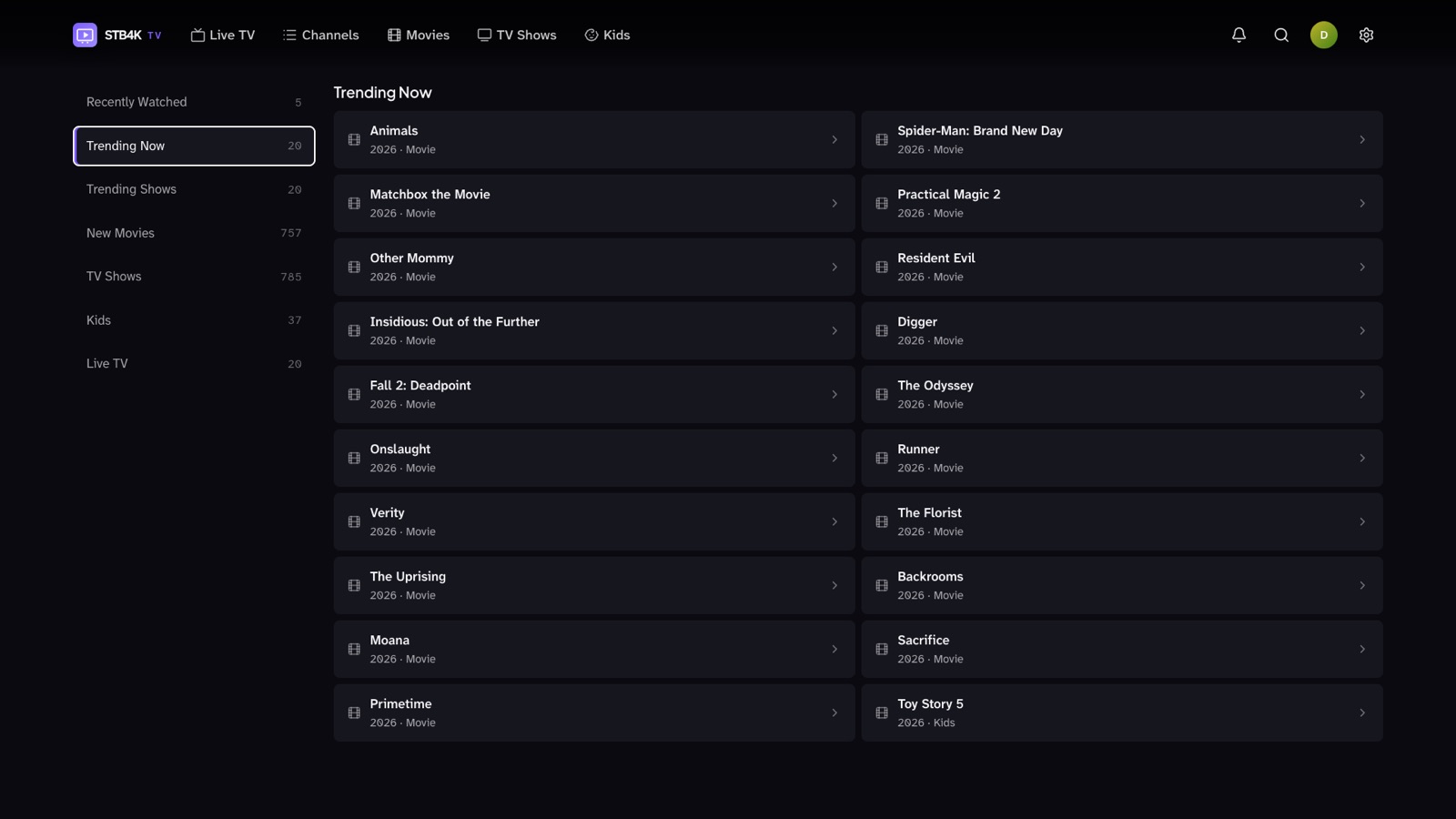
Theme settings
Change how the whole app looks in Settings → Theme, with a live preview as you go — on the TV, with the remote.
Every screen
Every screen works with a TV remote — arrows, OK, Back, number keys. The same app adapts to a 4K TV, a laptop or a phone, and your place follows you between them.
And the details
All of it free, on every screen.
Each person gets their own My List, history and place in every show.
Uses your provider's parental password, asked once per session. Hide or lock any category.
One box for channels, movies and shows — results as you type, including titles still on your provider's server.
Find subtitles for a movie or episode right from the player, and make them bigger for across the room.
If a channel drops, the player retries and reconnects on its own. Still down? One button tries the next channel.
Kids' movies and shows in their own section, away from everything else.
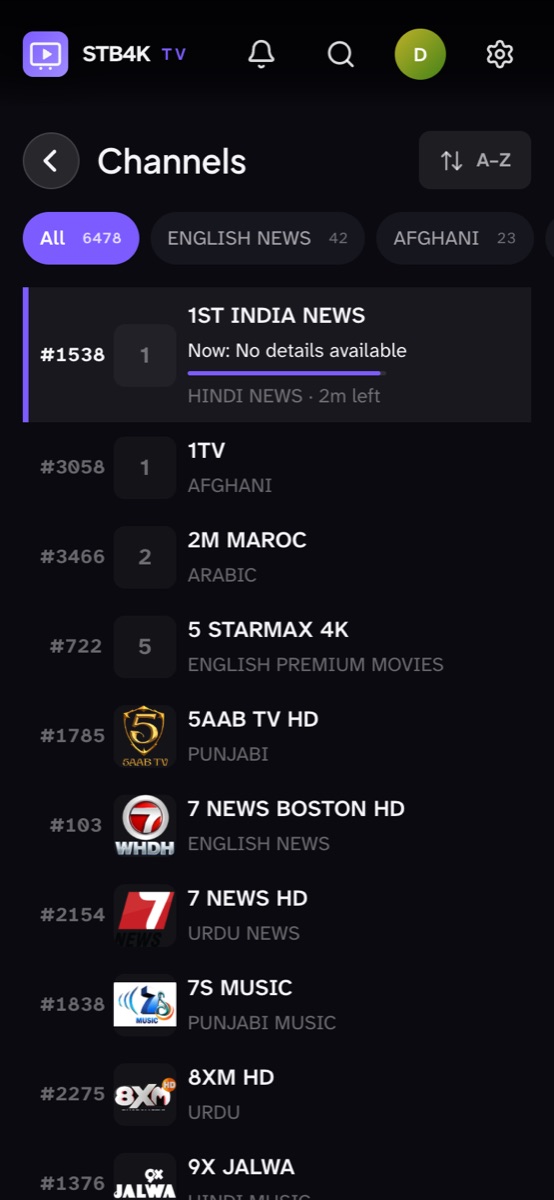
Sort A–Z or by size, and move favourites to the top of any category.
Switch audio tracks, change speed, skip ±10 seconds, fit or zoom the picture, picture-in-picture.
Fall asleep to the news — playback stops after 15 minutes to 2 hours.
Add more than one provider or playlist and switch between them in a tap.
Cap quality at 720p or 480p on slow or capped internet.
Large, clear text from across the room, adjustable text size and a high-contrast focus ring.
Up and running in a minute
On your TV, laptop or phone at app.stb4k.com. No sign-up.
Your Stalker portal address and MAC, or an M3U link — typed on the TV or sent from your phone.
Channels, movies and shows load in seconds, sorted, matched and ready.
Pricing
Every feature on this page is free today — no trial, no account, no ads. Lite and Premium plans will come later; anything free now stays clearly marked.
Open STB4K TVWhere it runs
No. STB4K TV is a media player. It plays the playlist or portal you already have from your provider — we don't sell, host or provide any content.
Stalker / Ministra (MAG) portals with a MAC address, and M3U / M3U8 playlists by link or file. You can add several.
Yes — everything is free right now, with no trial and no account. Paid Lite and Premium plans may come later.
Yes. On a TV that's set up, open Settings → Sync across devices → Add another device, and enter the 6-digit code on the new one. Your playlists, My List and history come across — playlist details travel encrypted.
A web browser today. The Android TV app is coming soon for the best remote and playback experience.
Open the app, add your playlist, start watching.
Open STB4K TV — free